
.jpg)
Monthly Pro · USD
$4.99
Billed every month. The App Store shows the price for your region.
Coming soon to iPhone
Pastfold reads the photographs you already have, finds the text and dates in them, and makes short videos from the ones you choose. It runs on your iPhone. There is no account.
See Pastfold in actionInside Pastfold
Actual iPhone screens. Basic portrait stories and sharing are free; advanced Studio tools are part of Pro.
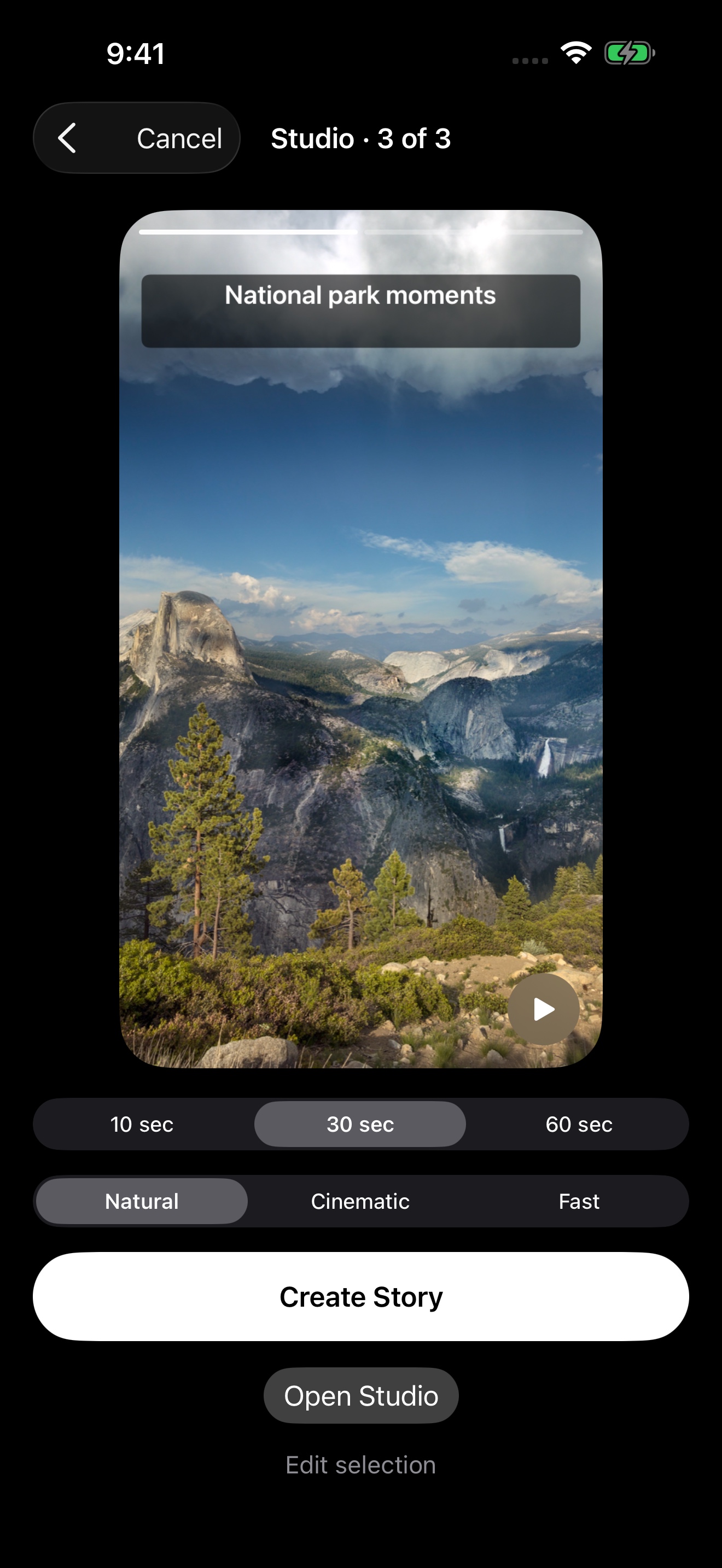
Choose 10, 30 or 60 seconds and a visual style before rendering.
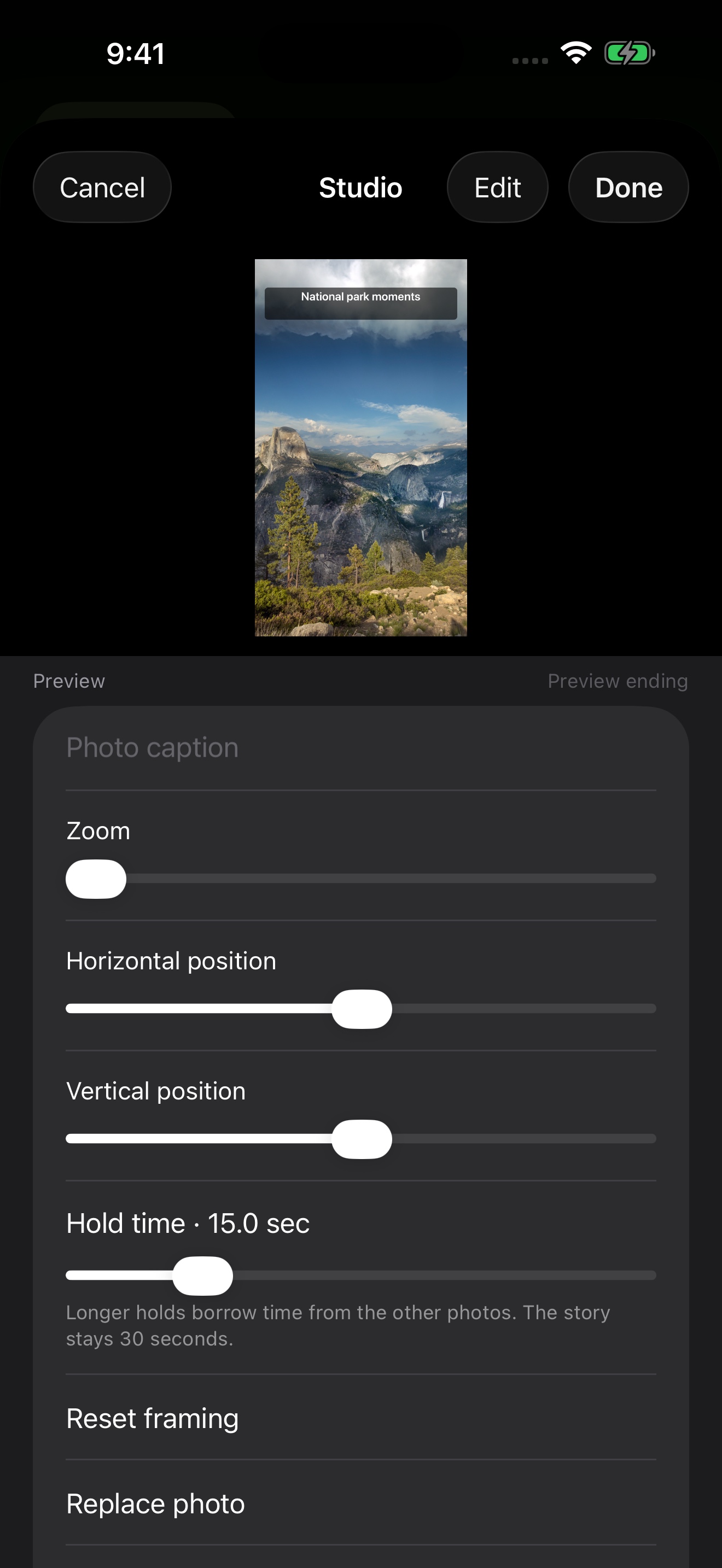
Pro adds custom text, framing and hold times. Your edits stay with the draft.
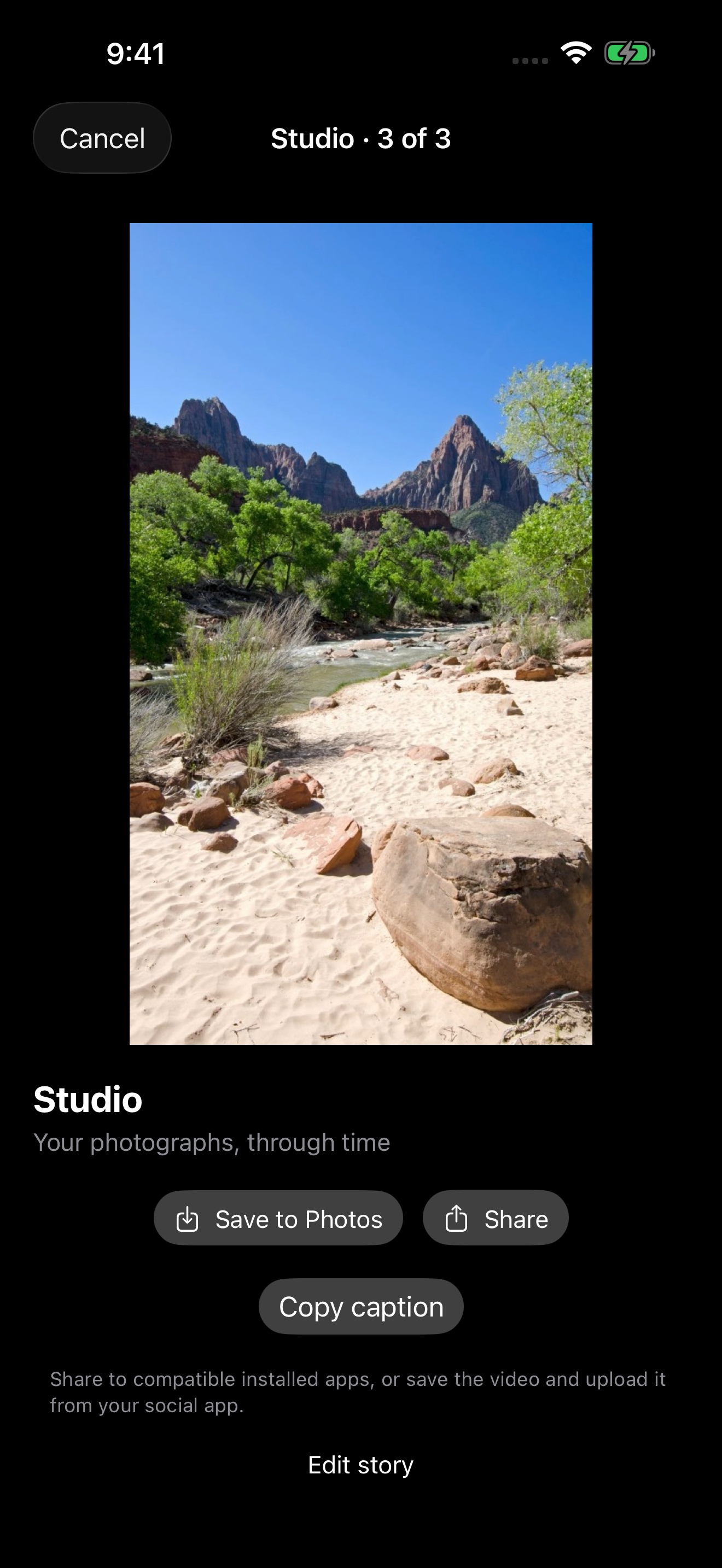
Save the real video to Photos, open the share sheet or copy your caption.
Screens use illustrative public-domain photographs: Yosemite by Carol M. Highsmith and The Watchman by the National Park Service. These photographs are not bundled into the app.
Four places to look
Moments from this date in earlier years, drafts you started, and what the index has actually found.
Search recognized text, names you confirm, screenshots, receipts, and a year. Uncertain groupings stay labeled as inferences.
Places from photo locations, and trips that meet the distance and multi-day checks. Open the photographs behind each one.
You choose the faces, name the group, and correct mistakes. These groups are separate from names in Apple Photos.
A result is only as sure as the photograph behind it.
Create
Ten, thirty, or sixty seconds. Save the video to Apple Photos, or send it through the iPhone share sheet.
Pastfold Pro
Both Pro plans unlock the same Studio features. US prices are shown below.
Monthly Pro · USD
$4.99
Billed every month. The App Store shows the price for your region.
Annual Pro · USD
$29.99
Billed once a year. Save about 50% compared with twelve monthly payments.
Portrait stories, photo order, transitions, and sharing stay free. Subscriptions renew automatically until cancelled. Prices vary by App Store region. Manage or cancel in your App Store account settings. Subscription terms.
Before you install
No. Recognition stays on the iPhone. Photos, recognized text, and face information are not uploaded.
No. There is no account. You allow Photos access, Full or Limited, on your iPhone.
Pro is $4.99 a month or $29.99 a year. The App Store shows the price for your region. Portrait stories, photo order, transitions, and sharing stay free.
Pastfold exports an MP4 and opens the iPhone share sheet for compatible installed apps. You can also save the video and upload it in your social app. Copy caption lets you paste your text separately. Destination apps may crop, compress or mute the video.
Use Restore purchases in Pastfold with the same Apple Account. Manage or cancel your subscription in App Store account settings. Cancelling keeps access until the paid period ends; deleting Pastfold or resetting local intelligence does not cancel the subscription.
Apple handles Pro payments. RevenueCat verifies subscriptions using an anonymous app identifier and provides subscription analytics; it receives no photos or local photo analysis. Read the privacy policy.
Help and support